Text to Image Generator
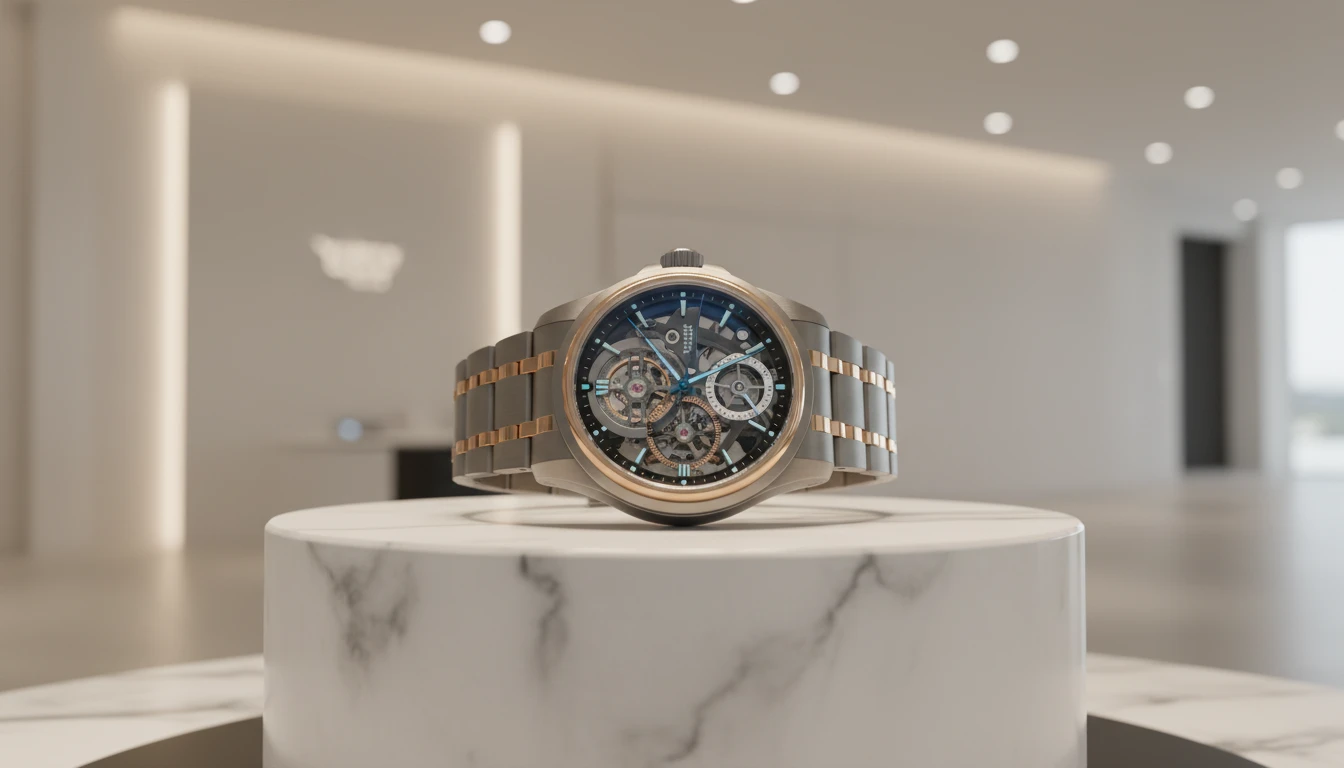
Chroma Studio's Text-to-Image Generator lets you instantly create high-quality images from text. Simply enter your prompt, and the AI transforms your ideas into stunning visuals for art, content, or design.
How to Use Text to Image Generator?
Write Your Prompt & Select a Model
Enter a descriptive text prompt detailing the scene, style, or elements you want in the image. Then, choose an AI model that best suits the type of output you desire.
Set Number of Images & Aspect Ratio
Decide how many images you want to generate and select the aspect ratio. These settings control the number of results and the shape of the images.
Generate and Download
Click the generate button to create your images. Once the AI finishes processing, preview the results and download your favorite images.
Key Features of Text to Image
Text to Image Creation
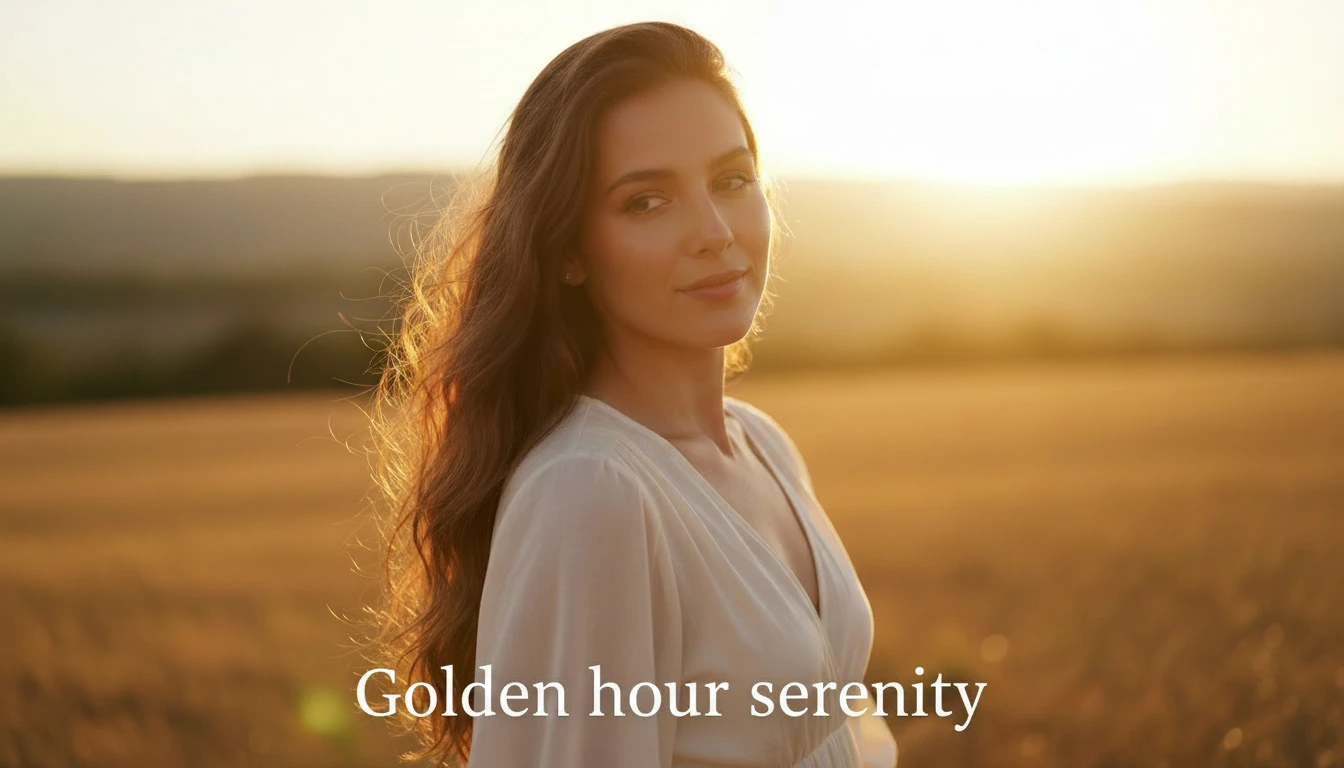
Text to Image Creation allows you to generate completely new images by simply typing a description of what you want to see. You can enter prompts describing a person, object, environment, or creative idea, and the AI will turn your text into a visual image. It understands details like colors, lighting, style, and composition to create an image.
Multiple Variations
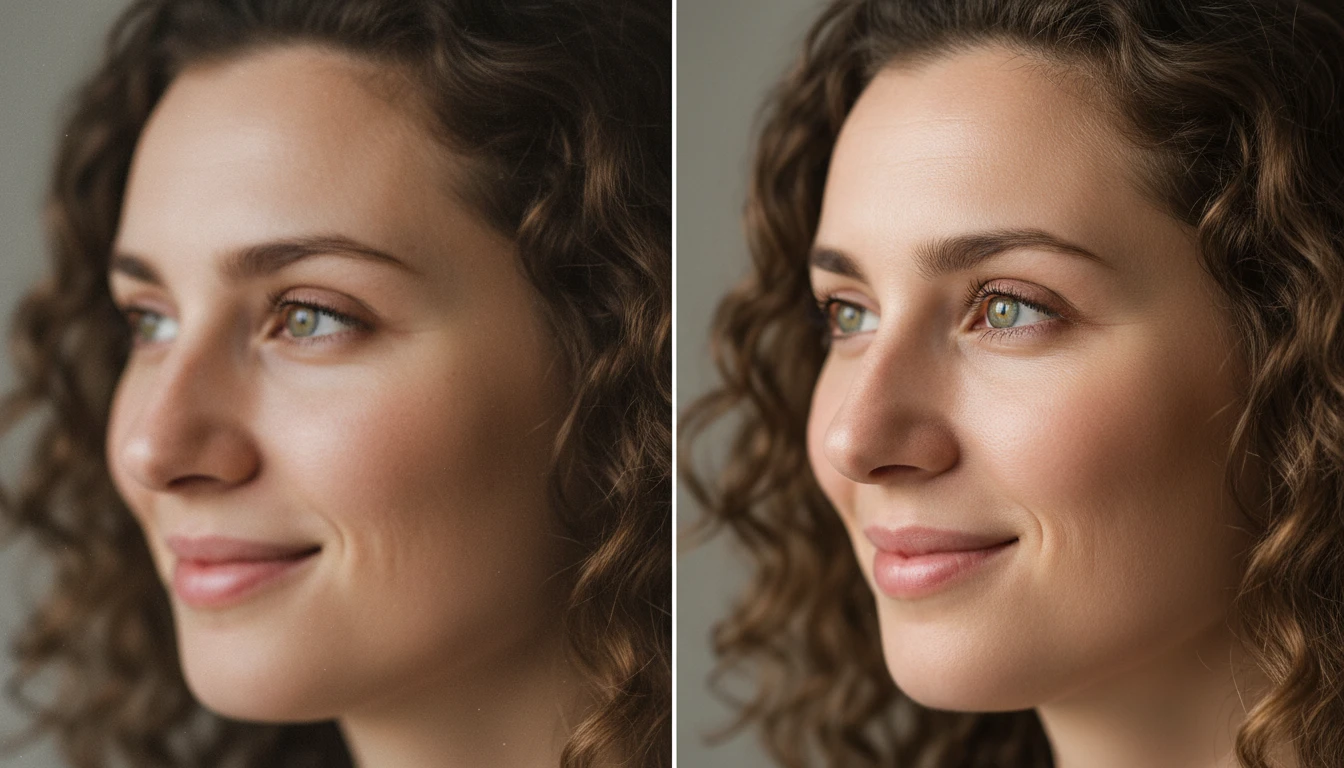
Multiple Variations help you create different versions of the same image from a single text prompt. The AI generates several outputs with slight differences in layout, color tone, lighting, or artistic style. This allows you to explore creative options and choose the best image for your needs, whether for marketing, social media, or personal use.
High Quality Image Output
High Quality Image Output ensures that the generated images are clear, detailed, and suitable for different digital uses. AI creates visuals with improved sharpness, textures, and balanced lighting so they can be used for websites, presentations, ads, or social media content without losing image clarity.
Scene & Object Generation
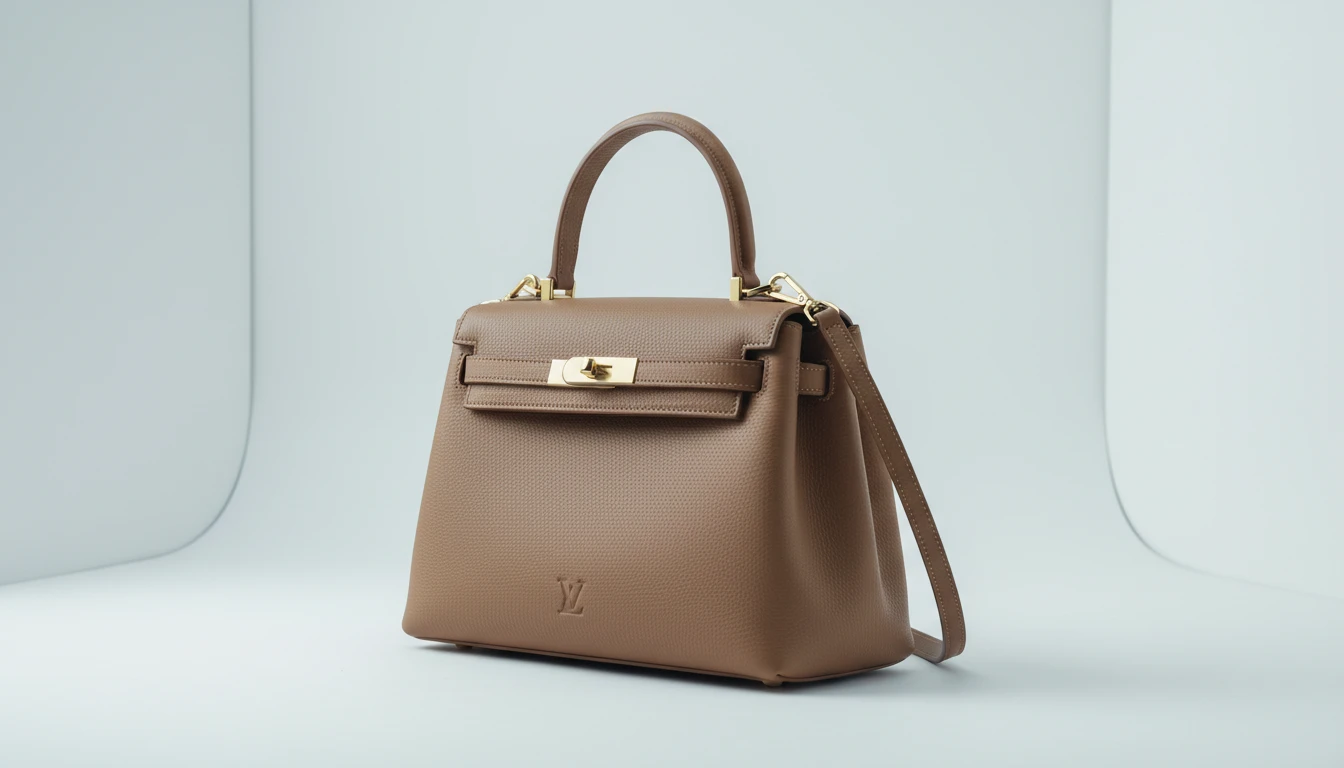
Scene & Object Generation allows you to create complete visual scenes from scratch based on your prompt. You can generate backgrounds, people, products, or environments without uploading any reference image. The AI automatically arranges elements within the image to create a natural and visually balanced result that matches your description.